
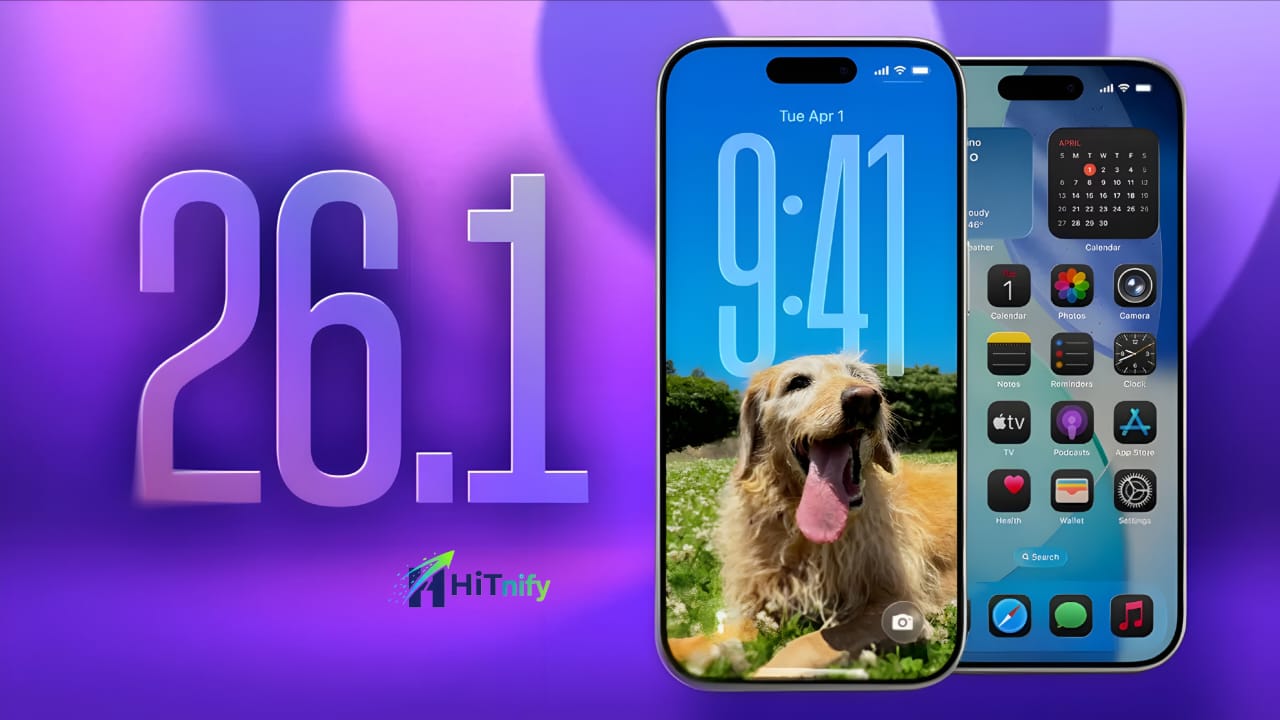
📱 iOS 26.1 Release Date: When’s It Coming & What’s New for iPhone Users?
Apple’s iOS updates have always been more than just bug fixes — they shape how millions of people use their iPhones every day. With iOS 26.1 around the corner, excitement is already building. This update promises useful refinements, better control, and a few smart quality-of-life changes that make iPhones feel even smoother.
Let’s break down everything you need to know — release date, expected features, supported devices, and how to get ready before the update lands.
For more latest tech updates and exclusive news, join our official WhatsApp Channel! https://whatsapp.com/channel/0029VbB2RyaLSmbbPvzDvr2t
🗓️ iOS 26.1 Release Date
If you’ve been following Apple’s release pattern, you won’t have to wait long.
According to trusted Apple insiders like Mark Gurman (Bloomberg) and multiple tech reports, iOS 26.1 is expected to roll out on November 3 or 4, 2025 — most likely a Monday, right after about a month of beta testing.
Public beta users have already been testing iOS 26.1 since late October, giving Apple a chance to iron out bugs and polish stability.
So if you’re reading this in the first week of November, go ahead — open Settings → General → Software Update and check if the update’s waiting for you.
✨ What’s New in iOS 26.1?
While iOS 26 was packed with big visual and AI-driven changes, iOS 26.1 focuses on fine-tuning those ideas. It’s not a headline-grabber — but it’s full of thoughtful touches that make daily use better. Here’s what’s new:
1. Liquid Glass Customization
Apple’s futuristic Liquid Glass interface is now more flexible. In Settings → Display & Brightness, you’ll find options to switch between a clear, transparent style or a subtle tinted look.
It’s a small but meaningful tweak for users who love customizing the new visual aesthetic.
2. Lock Screen Camera Toggle
Ever accidentally opened the Camera while pulling your phone out of your pocket?
You’re not alone — and Apple finally listened. iOS 26.1 adds the option to disable the “swipe to open Camera” gesture from the Lock Screen. It’s a long-requested fix that gives users more control.
3. Slide to Stop Alarms
Waking up just got a little smarter. Instead of a single tap to stop your alarm (which can lead to oversleeping), iOS 26.1 adds a slide-to-stop gesture. You’ll have to consciously swipe — no more half-asleep fumbles.
4. Apple Music Swipe Gestures
Music lovers, rejoice. You can now swipe left or right in the Now Playing screen to move between songs seamlessly. The transition feels smoother, with subtle animation upgrades and cleaner album art transitions.
5. Performance & Security Fixes
Behind the scenes, Apple has patched several bugs and improved stability — especially on older devices. Testers report a snappier UI, quicker app launches, and smoother multitasking.
Apple Intelligence features like translation, call screening, and visual lookup have also gained improved language support.
6. UI & Accessibility Refinements
There are small but welcome tweaks across the system — an improved video scrubber in Photos, minor layout changes in the Phone app, and additional options in Accessibility Settings for better reachability and customization.
📲 Stay Updated with Hitnify!
Get the latest tech news, mobile leaks, and gaming updates directly on WhatsApp.
Don’t miss out — join our official channel now!
📱 Supported Devices
iOS 26.1 will roll out to all iPhones compatible with iOS 26, including:
-
iPhone 16, 15, 14, and 13 series (standard, Plus & Pro models)
-
iPhone SE (2nd & 3rd Gen)
-
iPhone 12 and 11 series
Older models like the iPhone XS, XS Max, and XR won’t receive iOS 26.1.
To confirm, visit Apple’s iOS support page or simply check Settings → General → Software Update on your iPhone.
⚙️ How to Prepare Before Updating
A few quick steps can make your update process smooth:
-
Back up your iPhone (via iCloud or Finder/iTunes on a Mac/PC).
-
Free up at least 10GB of space — big updates need breathing room.
-
Charge your phone or keep it plugged in during the install.
-
Take note of your battery life before and after the update, just to track any changes.
💡 Why iOS 26.1 Is Important
Apple’s “.1” updates usually bring the polish that the main version introduces. Think of it as fine-tuning after a big performance.
With better customization, stronger security, and smarter interface options, iOS 26.1 shows how Apple continues to listen to user feedback instead of just adding flashier features.
🏁 Final Thoughts
iOS 26.1 may not be the flashiest update of the year — but it’s definitely one of the most useful. It’s about subtle improvements that make iPhones feel more personal, reliable, and responsive.
As the rollout begins in early November 2025, this update is worth installing right away — especially if you value stability and smoother daily performance.
For official release notes, keep an eye on Apple’s Software Update page or your iPhone’s settings.
Happy updating, and enjoy the smoother iOS experience ahead! 🍏✨